Guides
How to track QR code scans and tell them apart from clicks
A QR code can't count scans by itself. Point it at a short link, give each printed placement its own code, and read scans separately from clicks on the same page.
Updated
A QR code is a picture of a URL. It doesn't report anything back, so a code that opens https://example.com/menu directly can't tell you how many people scanned it. To count scans, the code has to open something that records each visit before sending people on. A short link does that.
Shorten the destination, make the QR code from the short link, and every scan passes through Shortener.dev first. The scan is counted in click analytics with its time, country, city, browser, operating system and device, then the visitor continues to your page.
Set up a trackable QR code
- Open Links and click Create Link.
- Paste the page the code should open into Original URL.
- Give it a back-half that says where the code is printed, such as
menu-tableorflyer-nov. - Click Create Short Link.
- Click the QR icon next to the new short link, choose the size and colors, and download SVG for print or PNG for screens.
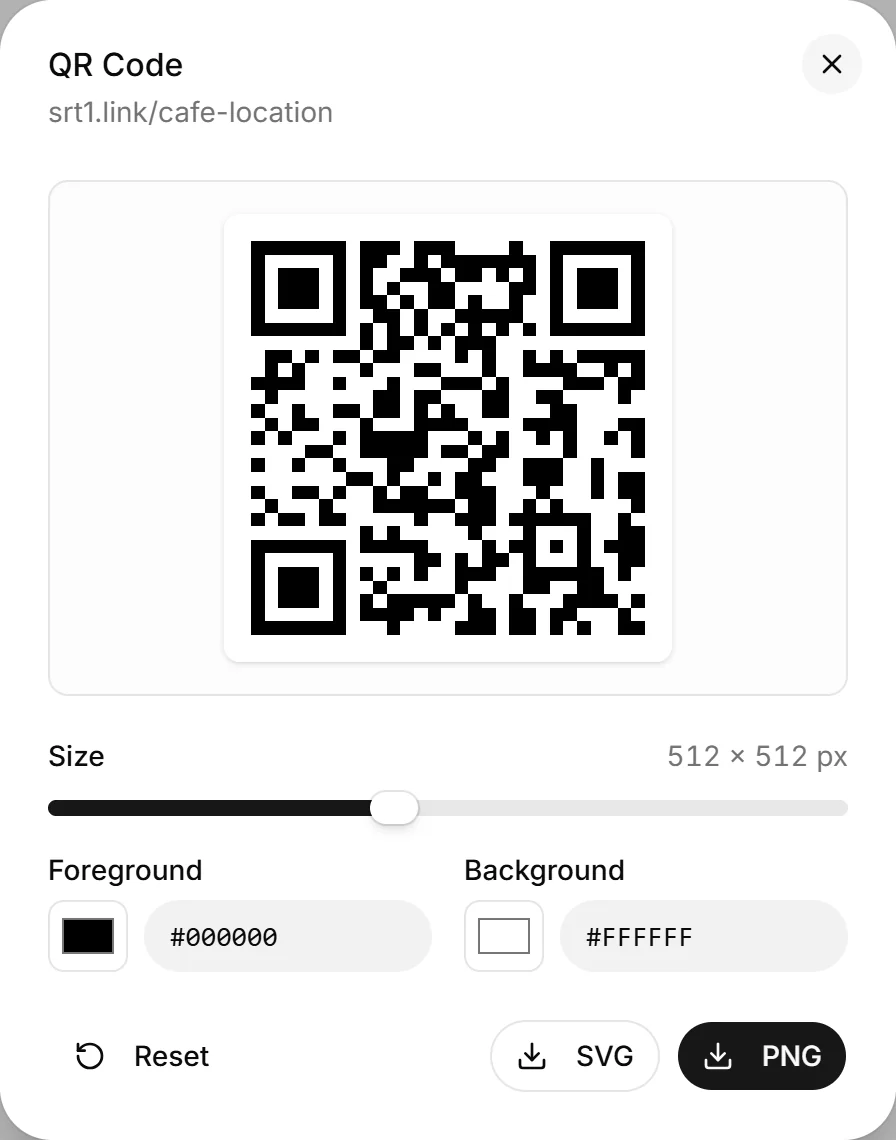
The code now holds https://srt1.link/menu-table. Scans of it appear in Analytics under that back-half, and you can open the link's own analytics from View in the Clicks column.
If you need a code without signing in, the free QR code generator makes one for any URL, but a code made from a long URL is not tracked. Shorten it first if you want the numbers.
One code per placement
A single code on a menu, a poster and a business card gives you one total and no way to split it. Create a short link per placement instead, all pointing to the same page:
| Placement | Short link | Destination |
|---|---|---|
| Table tent | srt1.link/menu-table | https://example.com/menu |
| Front window poster | srt1.link/menu-window | https://example.com/menu |
| Takeaway bag | srt1.link/menu-bag | https://example.com/menu |
The Top Links report then ranks the placements against each other. If you print the same design in several cities, add the city to the back-half rather than relying on the location of the scan. People scan photos of posters and codes they saw elsewhere.
Group the links of one campaign in a project to see their combined total and filter analytics by the campaign.
Tell scans apart from clicks
A scan and a click on the same short link look the same to the redirect. Both are a visit to srt1.link/menu-table, and most scans come in with no referrer, so they show as Direct in the Referers report.
If the page is also linked from your website, a newsletter or social posts, don't reuse the QR link there. Give the printed code its own short link and use other links for online placements. Then every visit to the QR link is a scan, and nothing needs to be separated afterwards.
For your web analytics, add UTM parameters to the QR link, for example:
| Parameter | Value |
|---|---|
utm_source | menu_table |
utm_medium | qr |
utm_campaign | winter_menu |
The parameters are added to the destination when someone scans, so Google Analytics can split QR visits from the rest. GA4 has no default channel for qr, so these visits land in Unassigned unless you add a custom channel group. See GA4 Unassigned traffic from UTM links.
What a scan count includes
- Every scan that reaches the short link is counted, including repeat scans by the same person.
- Requests from known crawlers and bots are not counted.
- A phone camera often shows the URL before opening it. If someone looks at the URL and doesn't tap it, nothing is recorded, because the phone never requested the link.
- The Free plan shows 7 days of analytics history, so check the numbers during the campaign or upgrade to keep more days in view.
Change the destination after printing
Because the printed code only holds the short link, you can change where it goes after the print run. Choose Edit in the link's ... menu to point last month's flyer at the new offer, or turn the link off when the event is over. Scans keep counting under the same back-half either way. If you delete the short link, every printed copy stops working.
Frequently asked questions
Can a QR code track scans without a short link?
No. The code only contains a URL. Counting needs a server that sees each request, which is what the short link provides. Your own website analytics can count visits to the destination page, but it can't tell a scan from any other visit unless the URL carries UTM parameters.
Can I see who scanned my QR code?
You see the time, country, city, browser, operating system and device of each scan in Reports, not the person's name or contact details. See Can you see who clicked your link?
Do scans and clicks count against my plan?
No. Plan limits count the short links you create, not scans or clicks.
Does changing the destination reset the scan count?
No. Scans are recorded against the back-half, so the history stays when the destination changes.