Playbooks
Influencer tracking links, a creator handover template
Give each creator one tracked short link per placement, with the destination, where to post it, the UTM values and the end date in one handover sheet. Template and example included.
Updated
When five creators post about the same product with the same link, you get one click total and no way to tell who drove it. Give every creator their own short link, one per placement if they post in several places, and hand it over in a sheet that says exactly where it goes and when it stops.
The handover sheet
Fill in one row per link before you send anything to a creator. The table shows the columns that differ per row:
| Creator | Placement | Short link | utm_content | Ends |
|---|---|---|---|---|
| @jane.runs | Instagram Story | srt1.link/jane-story | ig_story | 30 Nov |
| @jane.runs | Instagram bio | srt1.link/jane-bio | ig_bio | 30 Nov |
| @milesahead | YouTube description | srt1.link/miles-yt | yt_description | |
| @milesahead | Pinned comment | srt1.link/miles-yt-pin | yt_comment | |
| @coach.k | TikTok bio | srt1.link/coachk-tt | tt_bio | 6 Dec |
All rows point to https://example.com/trail with utm_medium=affiliate, the creator's handle as utm_source and one shared utm_campaign. Keep the destination, live date and owner in the sheet too.
As CSV, ready to paste into a shared sheet:
creator,placement,short_link,destination,utm_source,utm_medium,utm_campaign,utm_content,live_from,ends,owner
@jane.runs,Instagram Story,srt1.link/jane-story,https://example.com/trail,jane_runs,affiliate,2026_11_trail_launch,ig_story,2026-11-18,2026-11-30,Priya
@jane.runs,Instagram bio,srt1.link/jane-bio,https://example.com/trail,jane_runs,affiliate,2026_11_trail_launch,ig_bio,2026-11-18,2026-11-30,Priya
@milesahead,YouTube description,srt1.link/miles-yt,https://example.com/trail,milesahead,affiliate,2026_11_trail_launch,yt_description,2026-11-20,,Priya
Use utm_medium=affiliate for paid creators, so GA4 puts the visits in its Affiliates channel. For unpaid mentions and gifted products, utm_medium=social with the creator in utm_source works too. Keep one rule across all creators. See UTM naming convention.
Create the links
- Create a project for the campaign, such as
Trail launch creators. - For each row, click Create Link, paste the destination, enter the back-half, choose the project, and fill the UTM Builder with the row's values.
- If the creator's deal has an end date, set an expiration date on the link.
- Copy each short link back into the sheet.
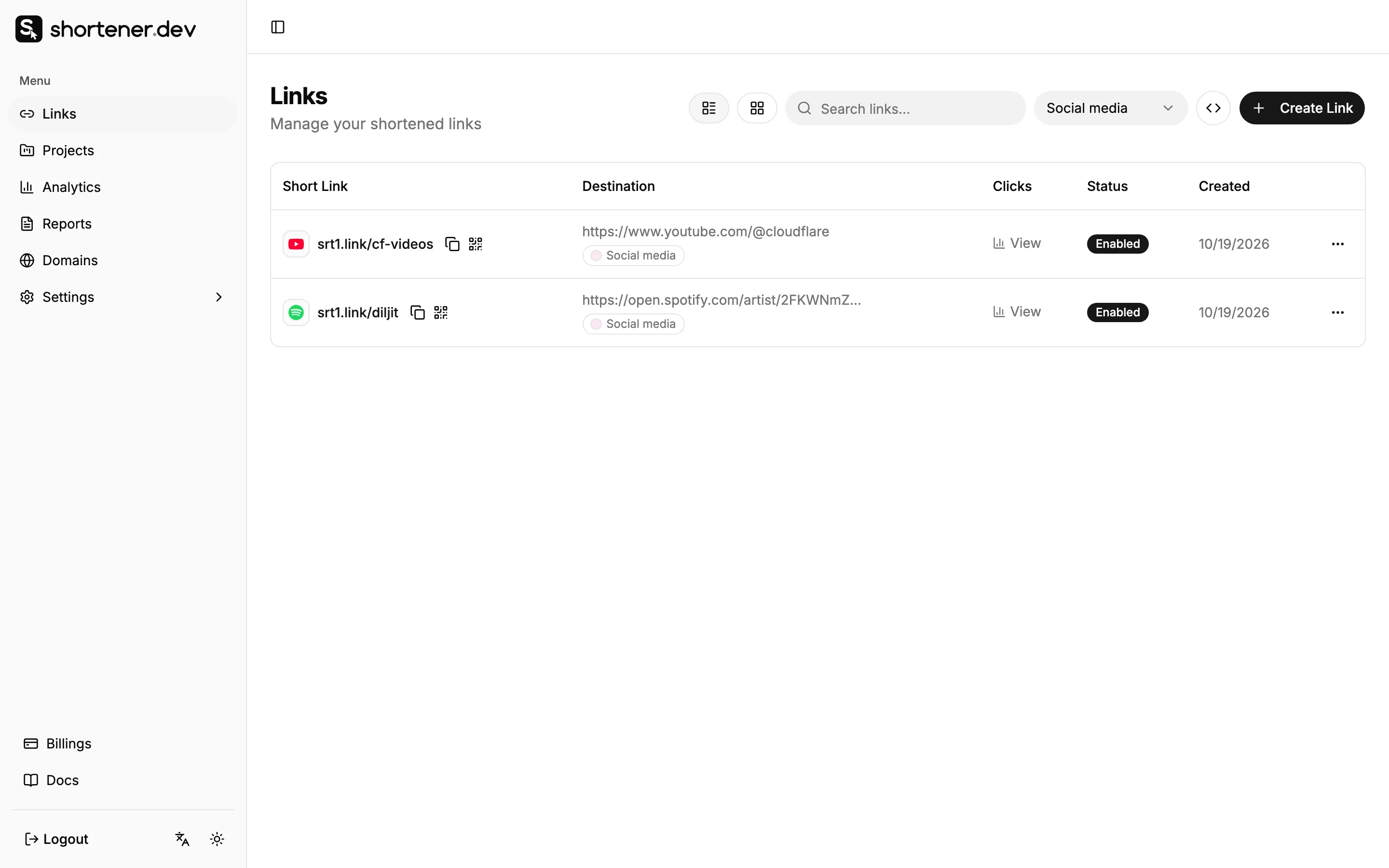
With more than a handful of creators, create the links from the CSV with the API script or Google Sheets.
Pick back-halves that the creator's audience can read and type. A link in a YouTube description is clickable, but a link said out loud in a video or shown on screen has to be typed, so srt1.link/jane is better than srt1.link/inf-0042-ig.
What to send the creator
Keep the message short and specific. For each link:
- The short link, and the one place it should be used.
- What the page is, in one line, so they can describe it accurately.
- When it goes live and when it ends.
- A request not to shorten, wrap or edit the link with another tool, which would hide your link behind theirs.
- A contact for when something breaks.
Ask creators to send you a screenshot or link to each post when it's live. The publish time helps you read the clicks.
Before the posts go live
- Open each short link and check it lands on the right page, with the UTM values in the address bar.
- Paste one link into Instagram or WhatsApp to see the preview card. If the destination's image isn't right for social, set one with Social Preview.
- Check the page works on a phone, since nearly all creator traffic is mobile and often opens in an in-app browser.
Read the results
Open Analytics and filter by the campaign's project. Top Links ranks the creators' links against each other. Open a single link's analytics to see its clicks per day, countries and devices.
Things to keep in mind when comparing creators:
- Clicks only show interest. Use your shop or GA4 to compare orders by
utm_source, the creator's name. - A creator whose audience is in another country can send many clicks that can't buy. Check Countries before deciding.
- Clicks on Story and bio links often show as Direct in the referrer report. The back-half tells you the source. See Why social media clicks show as Direct.
When the deal ends
Each link keeps working after the campaign unless you change it. Before the end date, choose one of these for each creator:
- Let the expiration date stop the link.
- Turn the link off.
- Edit it to point to an evergreen page, so old posts still send useful traffic.
Leave links you've stopped in place for the record rather than deleting them. A deleted back-half's click history is gone with it.
Frequently asked questions
Can I use one link for all creators?
You can, but you'll only get one total. One link per creator is the minimum to compare them, and one per placement tells you which kind of post works.
Do creators need a Shortener.dev account?
No. They only paste the short link you send. Clicks are recorded in your account.
Can I share the click numbers with a creator?
Yes. Take a screenshot of the link's analytics, or click the creator's link in Reports to filter the log to it and click Export CSV. Delete the ip column before you send the file. See Click reports.