Get started
Shortener.dev documentation
How to create short links, add UTM tracking, expiration, passwords and geo targeting, verify your domains and read click analytics in Shortener.dev.
Shortener.dev turns a long URL into a short link like srt1.link/spring-sale and records every click: when it happened, where the visitor came from, and which country, browser and device they used. These docs follow the dashboard at app.shortener.dev screen by screen, and the API reference covers the same features in code.
Create your first short link
- Open Links in the dashboard sidebar and click Create Link.
- Paste the page you want to share into Original URL, for example
https://example.com/blog/spring-launch. - Type a back-half into Short Link, such as
spring-launch, or leave it empty to get a random 7-character one. - Click Create Short Link.
The new link shows up at the top of your links list. Click the copy icon next to it and share it anywhere.
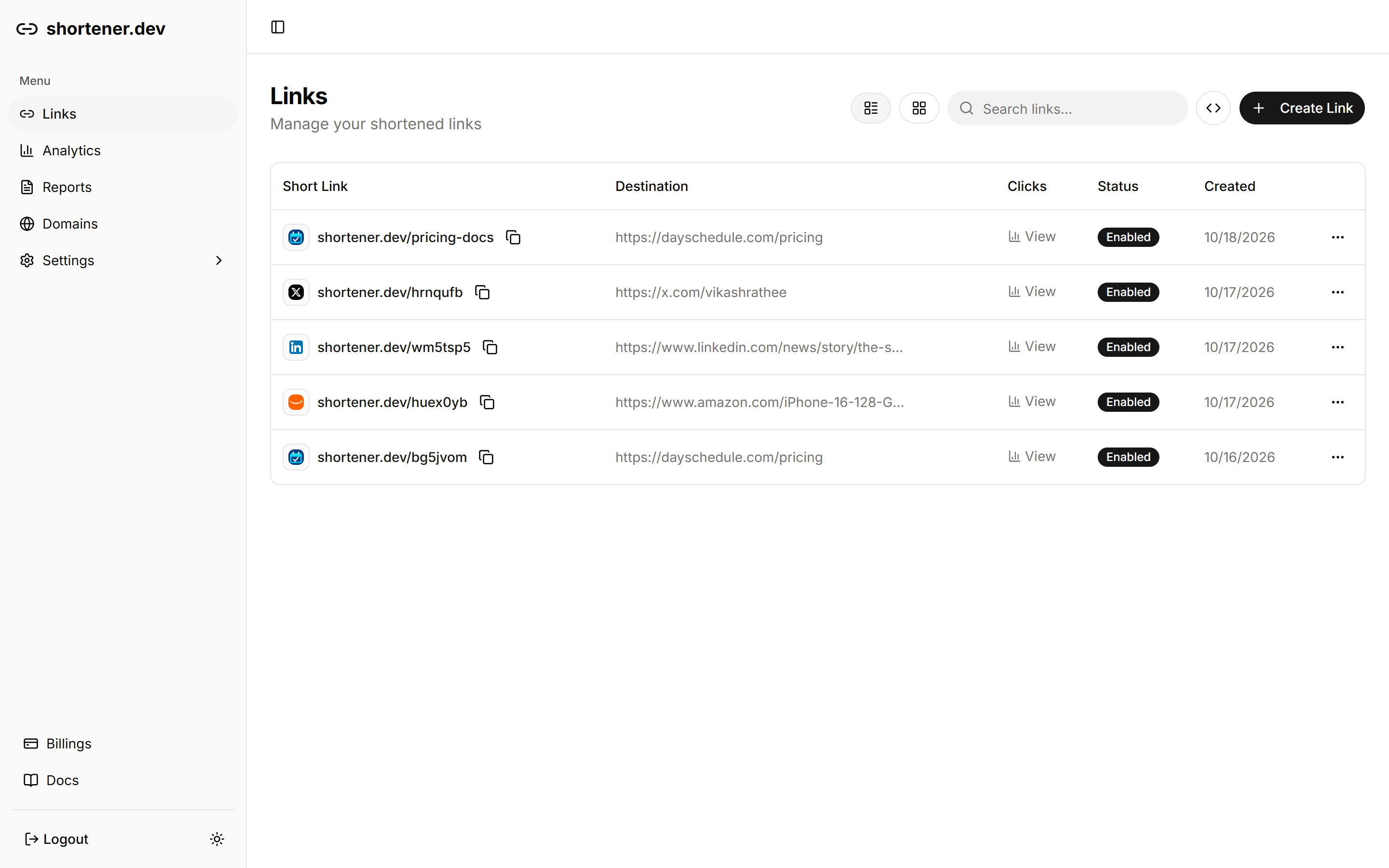
If the link is rejected with Domain not verified, the destination's domain needs to be verified first. Popular sites like YouTube, LinkedIn and Amazon are whitelisted and work right away. For your own website, see Verify a domain.
What you can add to a link
Every option sits in the Options list of the link builder and is available on every plan:
| Option | What it does |
|---|---|
| Expiration | Stops the link working after a date and time |
| UTM Builder | Appends utm_source, utm_medium, utm_campaign and other tracking parameters |
| Social Preview | Sets the title, description and image shown when the link is shared |
| Password Protection | Asks visitors for a password before they reach the page |
| iOS and Android Targeting | Sends iPhone and Android visitors to your app store listing |
| Geo Targeting | Sends visitors from a country to a different URL |
Where to go next
- Create a short link explains custom back-halves and the social media preview panel.
- Click analytics shows how to measure one link or a whole campaign.
- Shorten URLs with the API creates links from your own code with an API key.
https://shortener.dev/llms.txtlists these pages for AI assistants and agents. Add.mdto any docs URL to get the page as plain markdown.