Team and API
Invite team members
Add colleagues to your Shortener.dev account so they can create and manage short links with you, change their role, or remove them.
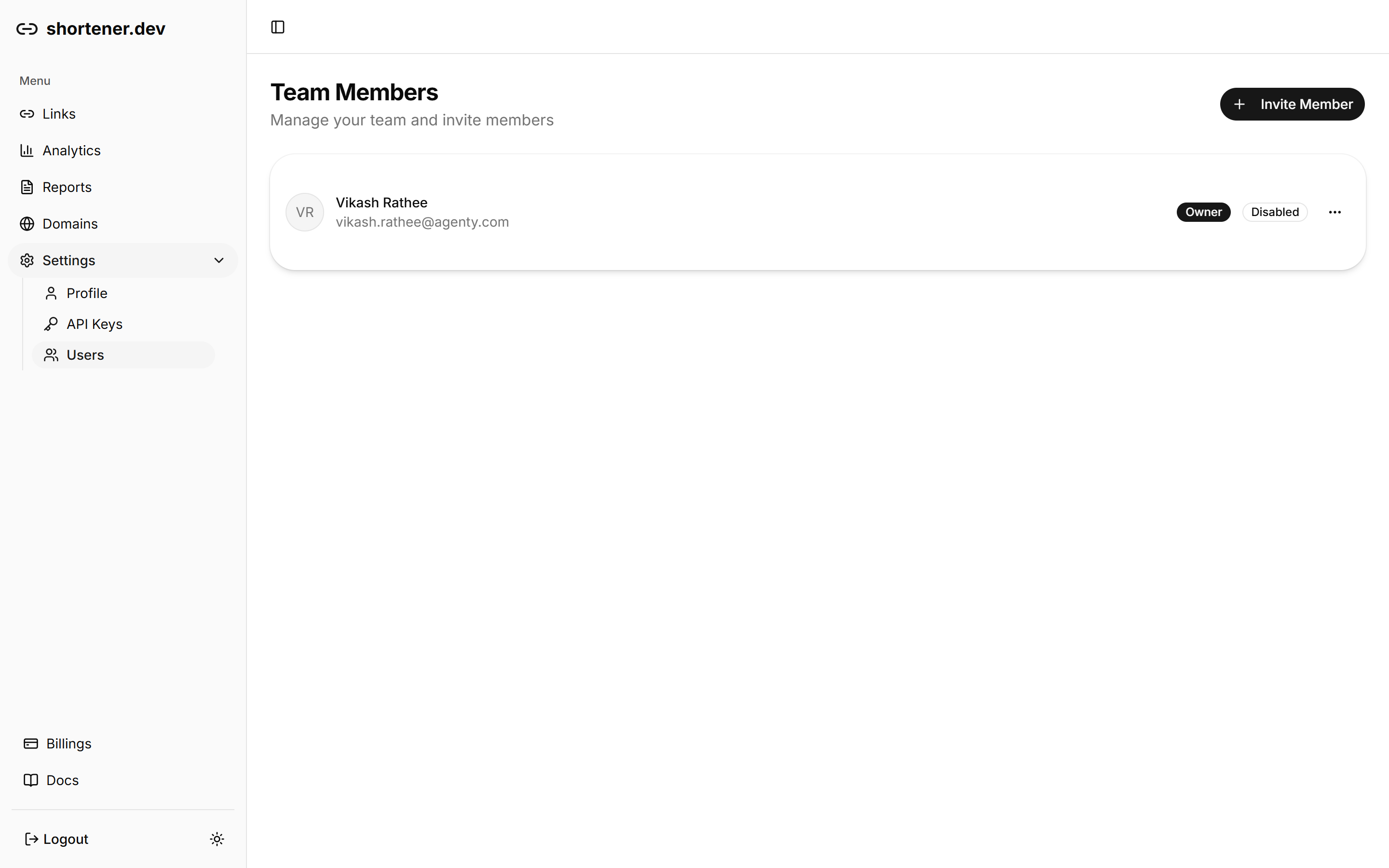
Team members share your account's links, domains and analytics. Open Settings in the sidebar and choose Users to see who has access.
Invite a member
- Click Invite Member.
- Enter the person's Name and Email Address.
- Pick a Role: Admin, Member or Viewer. New invites default to Member.
- Click Send Invite.
You'll see "Invitation sent to" followed by their email address, and they're added to the list.
The number of team members depends on your plan: 5 on Pro, 10 on Business and 20 on Advanced. See pricing.
Change a member's name or role
Click the ... menu next to the member and choose Edit. Update the name or role and click Save. The email address can't be changed. To move someone to a different address, remove them and invite the new one.
Remove a member
Click the ... menu next to the member, choose Remove, then confirm with Remove. They lose access to the account right away, and this can't be undone.