Link options
Create a password protected short link
Restrict a short link with a password, so only people you share the password with can open the destination page.
A password protected short link asks for a password before it lets visitors through to the destination. Use one when you share a private document, a pre-release page or a client deliverable through a public channel and only a few people should open it.
Add a password
- In the Short Link Builder, open Options and click Password Protection.
- Type the password. Click the eye icon to check what you typed.
- Click Create Short Link.
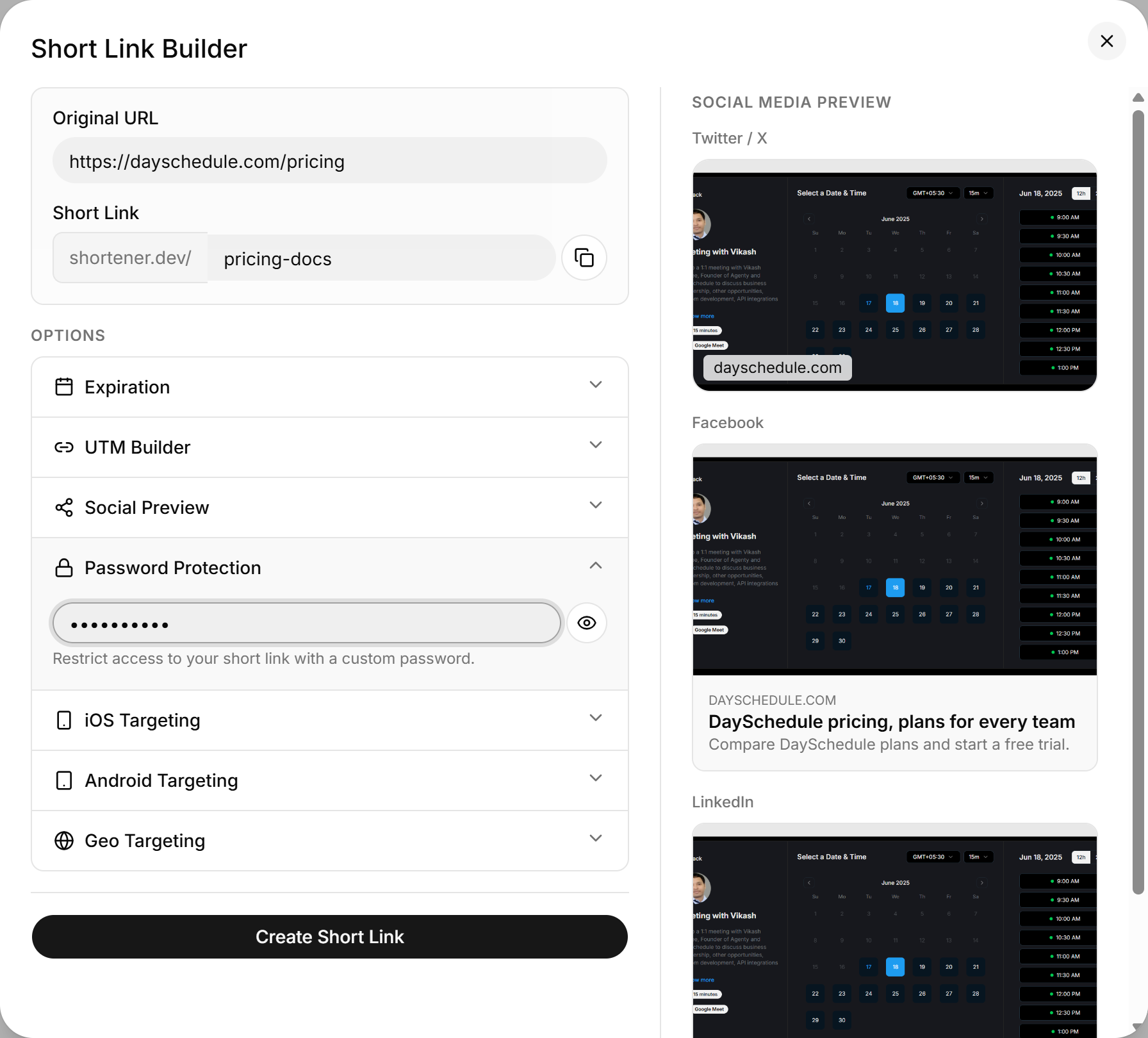
The password can be up to 32 characters long. Send it to your audience separately from the link, for example in a direct message instead of the same public post.
What a password does and doesn't protect
The password is checked when someone opens the short link. It doesn't protect the destination URL itself, so anyone who already has the long URL can still open it directly. For anything that's actually confidential, protect the destination page as well.
Set a password through the API
{
  "url": "https://example.com/q3-report.pdf",
  "key": "q3-report",
  "password": "harbor-lights-42"
}