Link options
Set an expiration date on a short link
Make a short link stop working automatically at a date and time, for limited-time offers, event registrations and temporary campaigns.
An expiring link works until the date you choose and then stops redirecting, so you don't have to remember to delete it. Use it for flash sales, event sign-ups, beta invites or any URL that shouldn't work after a deadline.
Add an expiration date
- In the Short Link Builder, open Options and click Expiration.
- Pick a date and time in the field.
- Click Create Short Link.
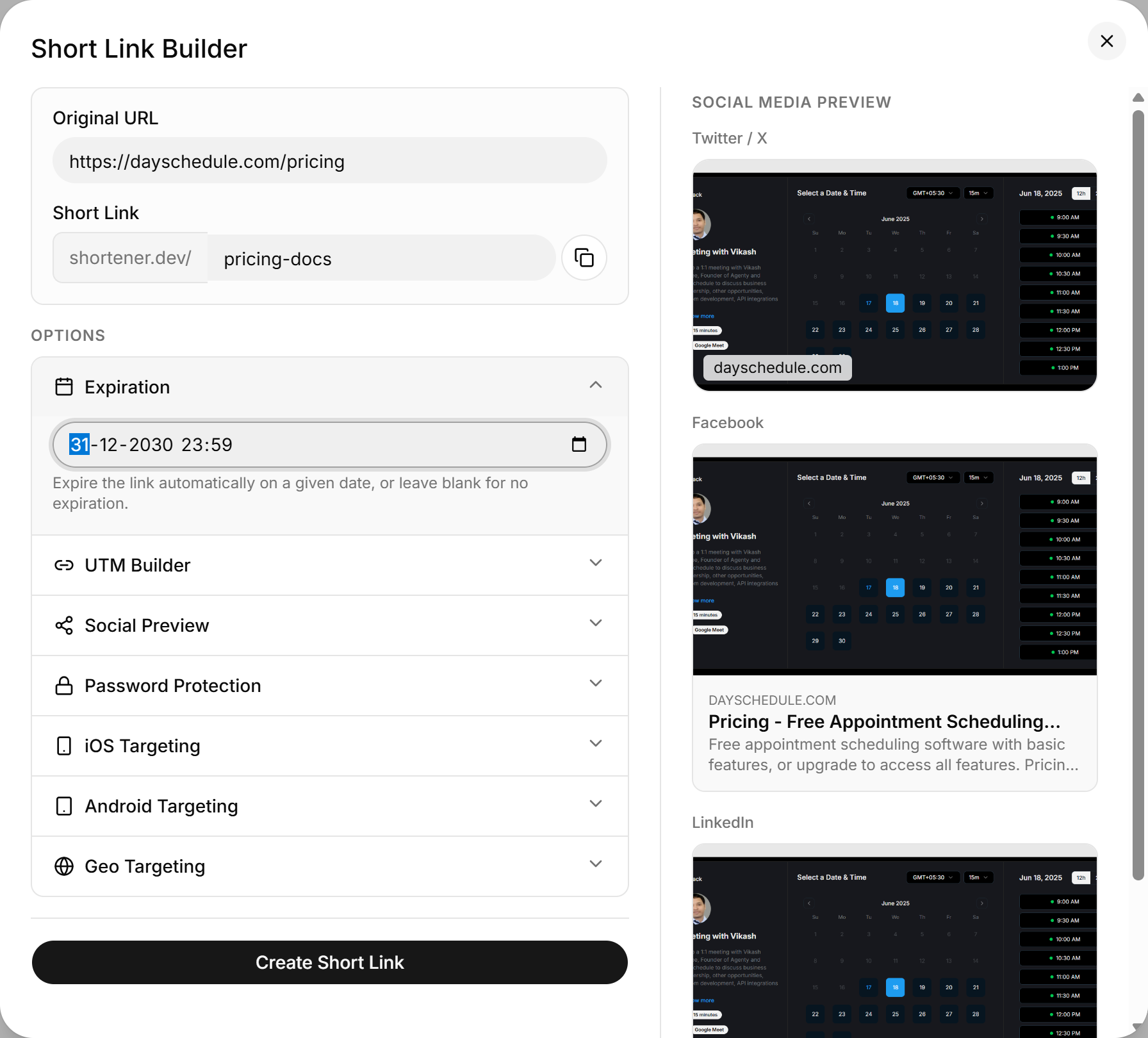
Leave the field empty for a link that never expires. That's the default.
The expiration must be at least 5 minutes in the future. An earlier time is rejected with Must be greater then current date time + 5 minutes or empty.
Time zones
The date picker uses your computer's local time zone, and Shortener.dev stores the expiration in UTC. If you schedule a sale to end at midnight in New York while you're working from London, convert the time first or set it through the API with an explicit offset.
Set the expiration through the API
Send expire_at as an ISO 8601 date-time when you create a link with the API:
{
  "url": "https://example.com/black-friday",
  "key": "black-friday",
  "expire_at": "2030-11-30T23:59:00-05:00"
}