Short links
Create a short link
Shorten a long URL with a custom back-half in the Shortener.dev link builder, preview how it looks on social media, and copy it to share.
Open Links in the sidebar and click Create Link in the top right corner. The Short Link Builder opens, with the form on the left and a live social media preview on the right.
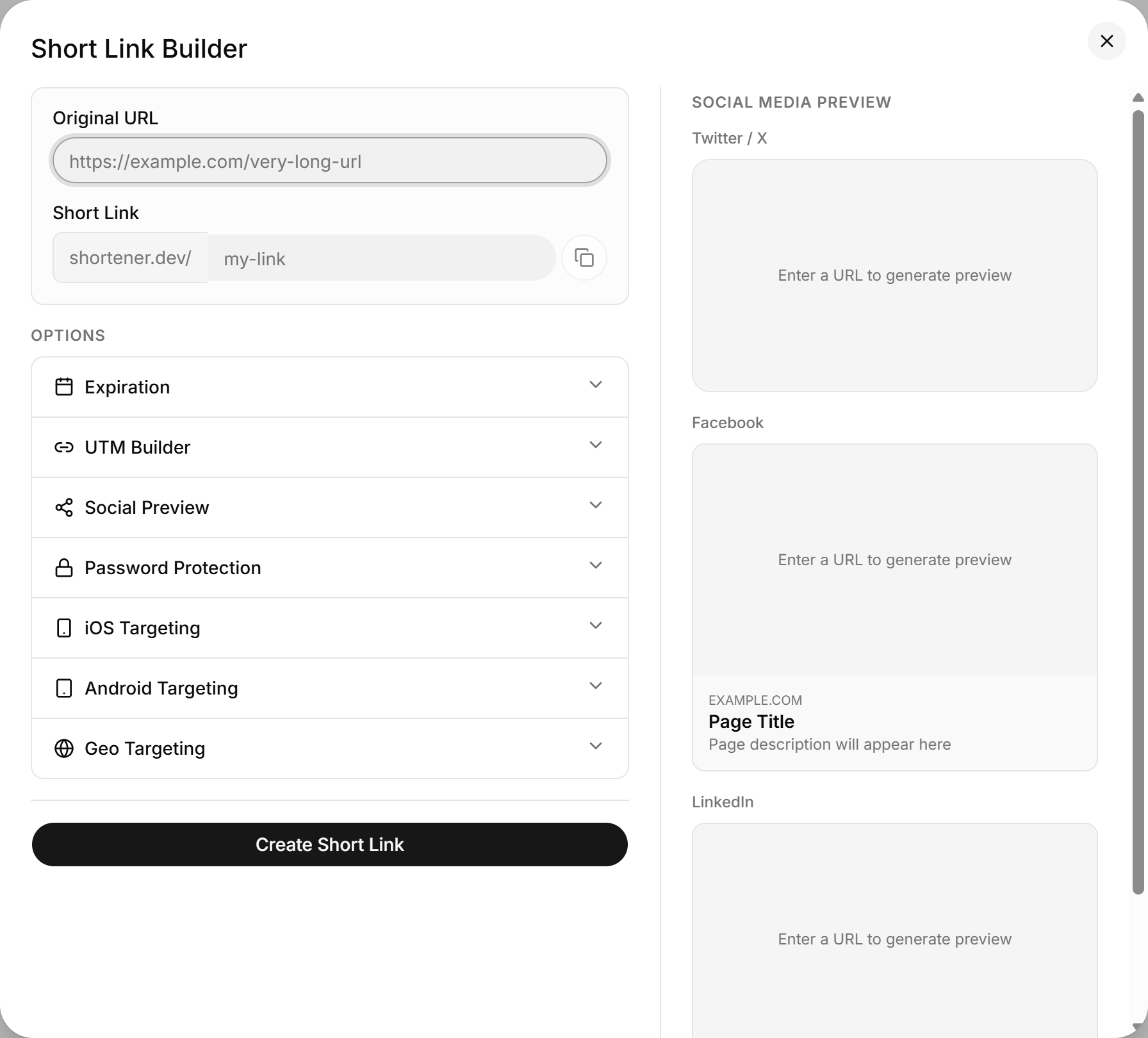
Enter the destination URL
Paste the full URL into Original URL, including https://. When you click out of the field, Shortener.dev fetches the page's title, description and image and shows them in the Social Media Preview panel. That's how the link will look when you post it on Twitter / X, Facebook or LinkedIn.
The destination must start with http:// or https:// and be at least 10 characters long. Its domain also needs to be verified in your account or on the global whitelist. If it isn't, creating the link fails with Domain not verified: example.com. See Verify a domain to fix that.
Choose a custom back-half
The Short Link field is the part after srt1.link/. Type a name your audience will recognize, like spring-sale or webinar-2030, so the link reads as srt1.link/spring-sale.
- Leave it empty and a random 7-character back-half is generated, such as
srt1.link/k3x9q2m. - Back-halves are converted to lowercase. Spaces become hyphens, and anything other than letters, numbers and hyphens is removed.
Spring Sale!becomesspring-sale. - The limit is 32 characters.
- Each back-half can be used only once across Shortener.dev. If it's taken, you'll see
This key 'spring-sale' has already been used, so pick another one or leave the field empty.
The copy button next to the field copies the full short URL before you save, which is handy when you're drafting a post at the same time.
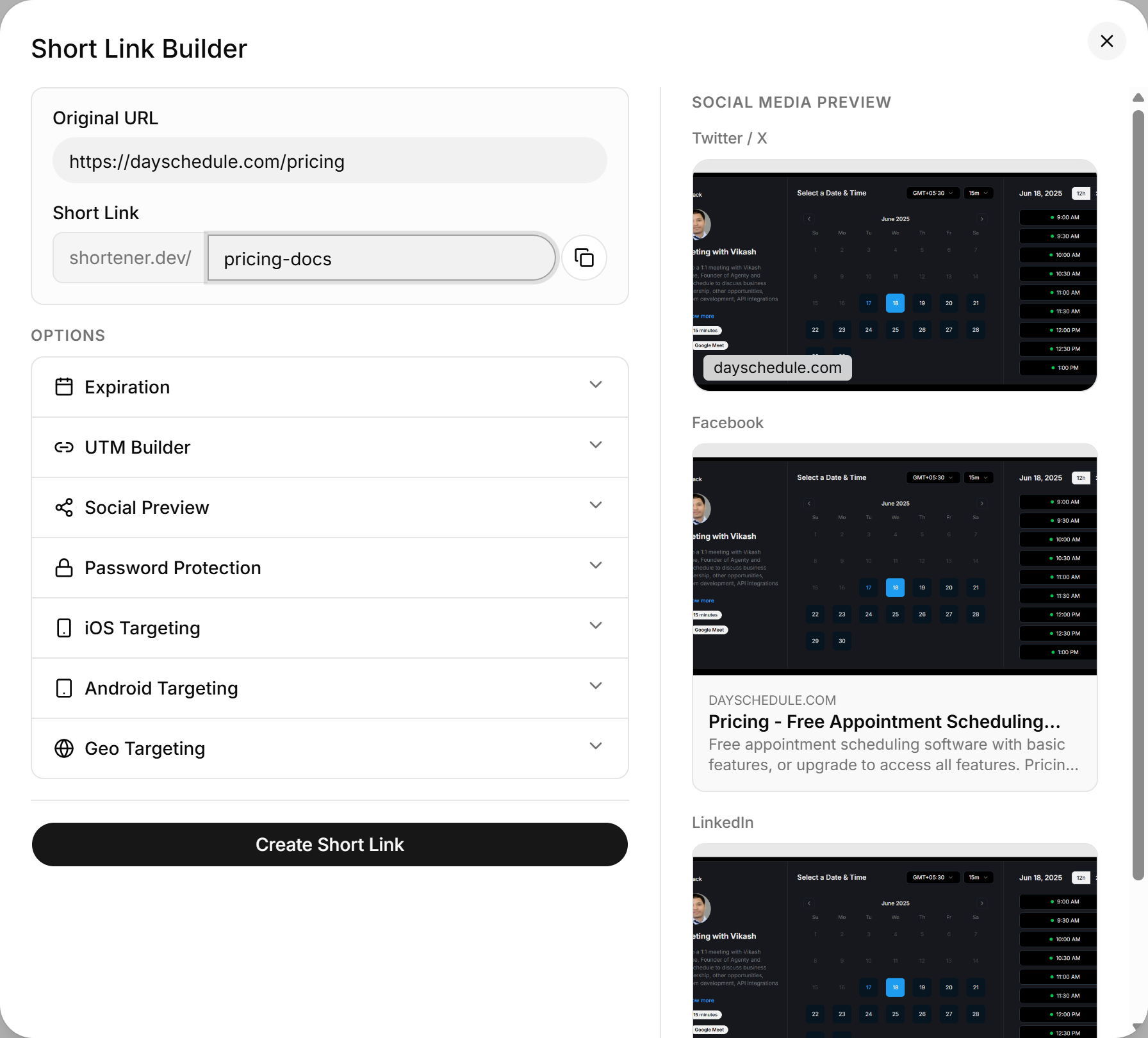
Add options
Below the URL fields is the Options list. Click any option to expand it. You can combine as many as you need on one link:
- Expiration for limited-time offers
- UTM Builder for campaign tracking in Google Analytics
- Social Preview to override the title, description and image
- Password Protection to restrict who can open the link
- iOS Targeting and Android Targeting to send mobile visitors to your app
- Geo Targeting to send visitors to a country-specific page
Save the link
Click Create Short Link. You'll see "Short link created successfully!" and the builder closes. The new link is added to the top of the Links list with the status Enabled.
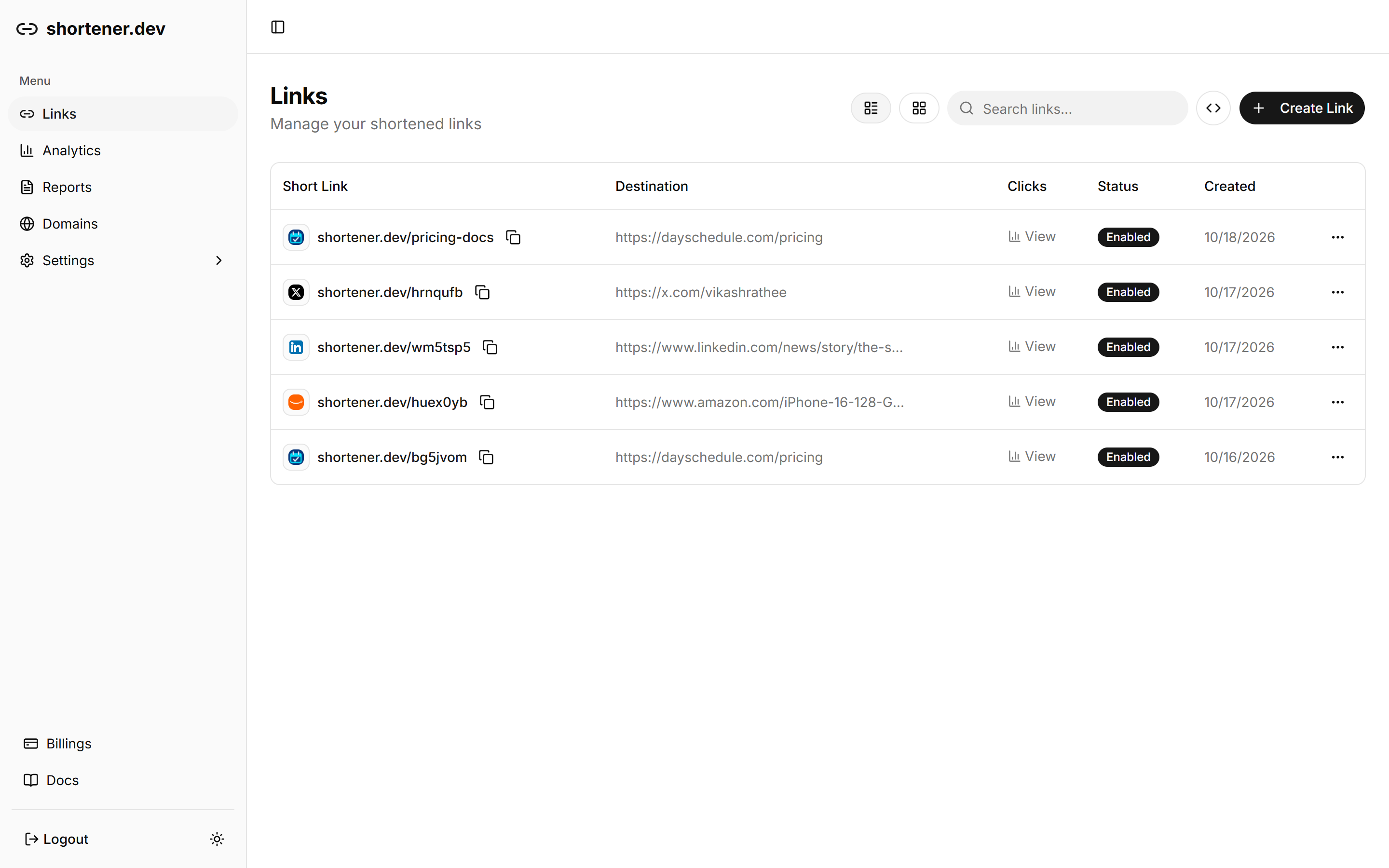
Click the copy icon next to the short link to copy it, or click View in the Clicks column to open its analytics.
Plan limits
The Free plan includes 10 short links. Paid plans count the links you create in the last 30 days. When you reach the limit, the builder shows an error asking you to upgrade, and links you've already created keep redirecting. See pricing for the limits on each plan.