Link options
Send iPhone and Android users to your app
Use iOS Targeting and Android Targeting to send mobile visitors to the App Store or Google Play, while desktop visitors go to your website.
One short link can go to three places depending on the visitor's device. iPhone and iPad users go to your App Store listing, Android users go to Google Play, and everyone else goes to the Original URL. That's useful for a "download our app" link in an email, a QR code on packaging or a bio link.
Add app targeting
- Enter your website as the Original URL. Desktop visitors, and any device you don't set a target for, go here.
- Open Options, click iOS Targeting and enter your App Store URL, for example
https://apps.apple.com/us/app/your-app/id000000000. - Click Android Targeting and enter your Google Play URL, for example
https://play.google.com/store/apps/details?id=com.example.app. - Click Create Short Link.
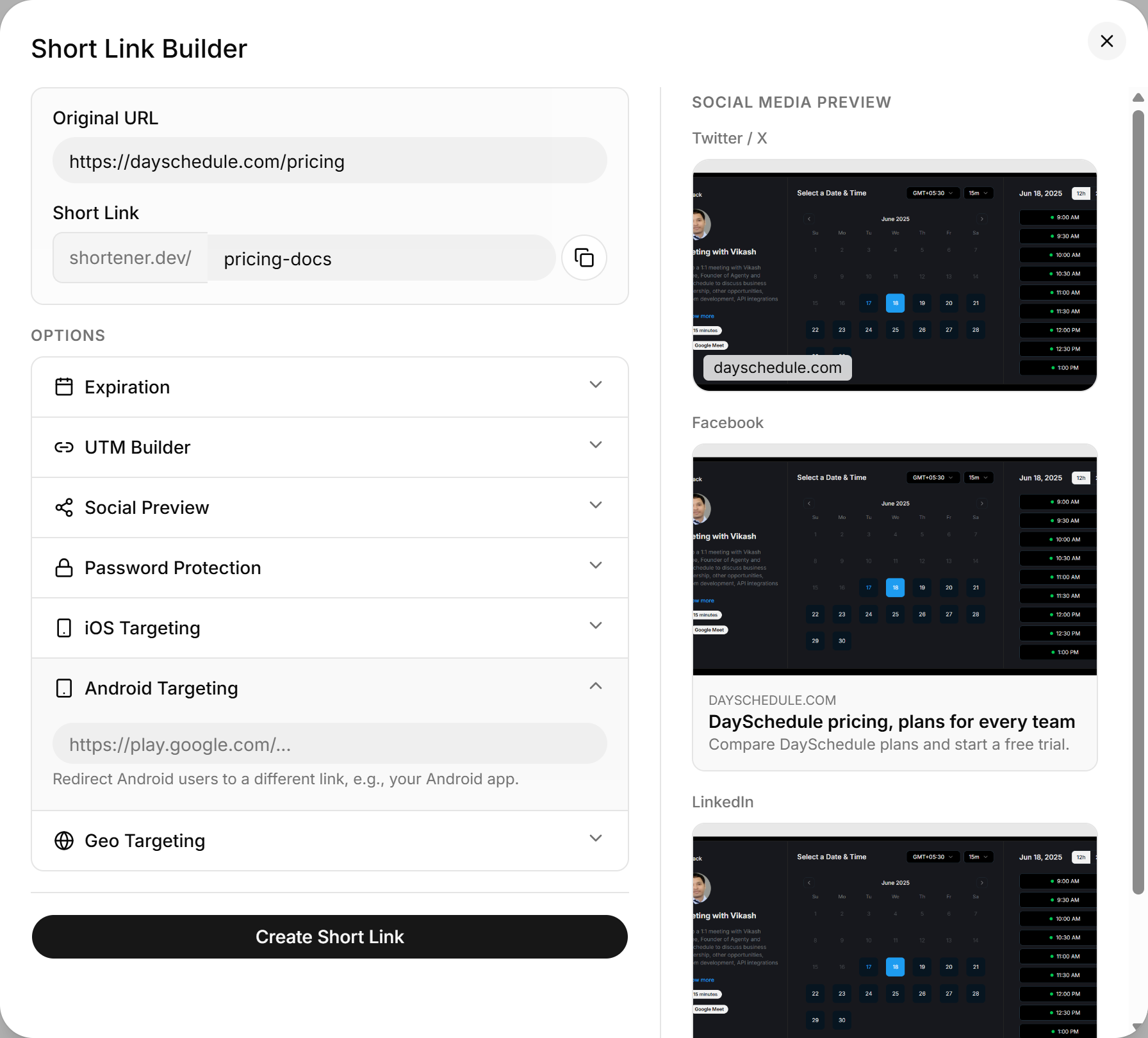
You can set just one of the two. With only iOS Targeting set, Android users go to the Original URL.
Domain verification for app links
The iOS and Android URLs go through the same domain check as the main destination. apps.apple.com and play.google.com are on the global whitelist. If you point either field at your own domain, for example a page with a universal link or deep link, that domain must be verified.
Set app targeting through the API
{
  "url": "https://example.com/app",
  "key": "get-the-app",
  "ios": "https://apps.apple.com/us/app/your-app/id000000000",
  "android": "https://play.google.com/store/apps/details?id=com.example.app"
}