Analytics
View the raw click log
The Reports page lists each click on your short links with the time, location, browser, device and referrer of the visitor.
Click analytics shows totals. Reports shows the individual clicks behind them, which helps when you want to check a specific click or spot unusual traffic.
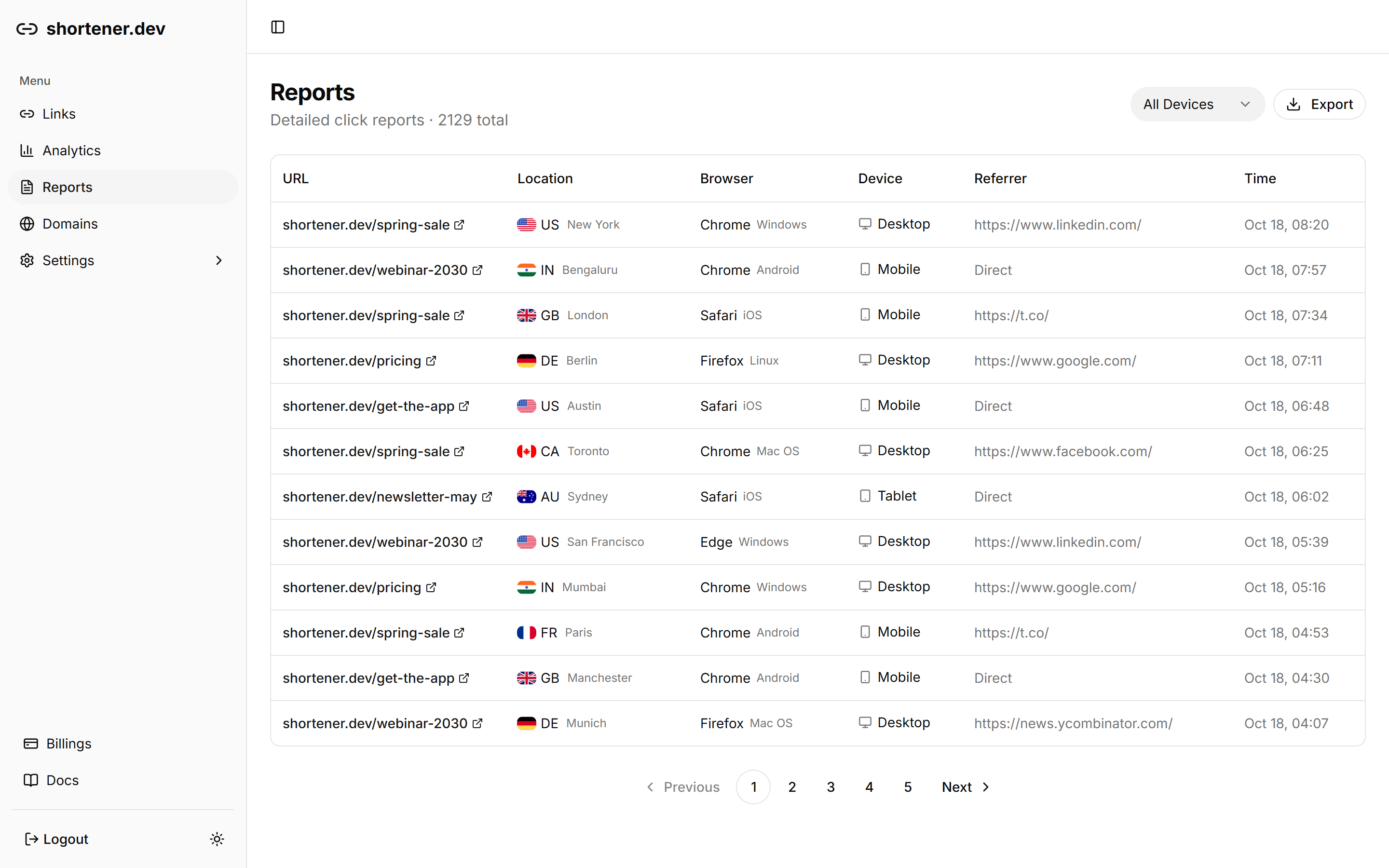
What each row shows
| Column | Details |
|---|---|
| URL | The short link that was clicked |
| Location | Country flag and city |
| Browser | Browser and operating system |
| Device | Desktop, mobile or tablet |
| Referrer | The page the click came from, or Direct |
| Time | Date and time of the click |
The header shows the total number of clicks in the log. Use the page numbers at the bottom to go back further. Each page has 25 clicks.
Filter by device
Pick Desktop, Mobile or Tablet in the menu at the top to show only clicks from that device type. Choose All Devices to clear the filter. The filter applies to the clicks on the current page.
Get the click log through the API
GET /v1/reports returns the same data with offset and limit for paging, up to 1,000 clicks per request. Use it to load clicks into a spreadsheet or your own data warehouse. Click reports are included on paid plans. See pricing.