Short links
Find, copy and delete short links
Search your short links, switch between list and grid view, copy or open a link, and permanently delete links you no longer need.
Every link you create is on the Links page. The list shows the short link, its destination, a link to its clicks, the status and the date it was created. It shows 25 links per page, with Previous and Next buttons at the bottom when you have more.
Search links
Type into Search links... at the top of the page. You can search three ways:
- Part of the destination URL, such as
example.com/blog, to find every link pointing to your blog - The exact back-half, such as
spring-sale - The full short link, such as
srt1.link/spring-sale, pasted from wherever you shared it
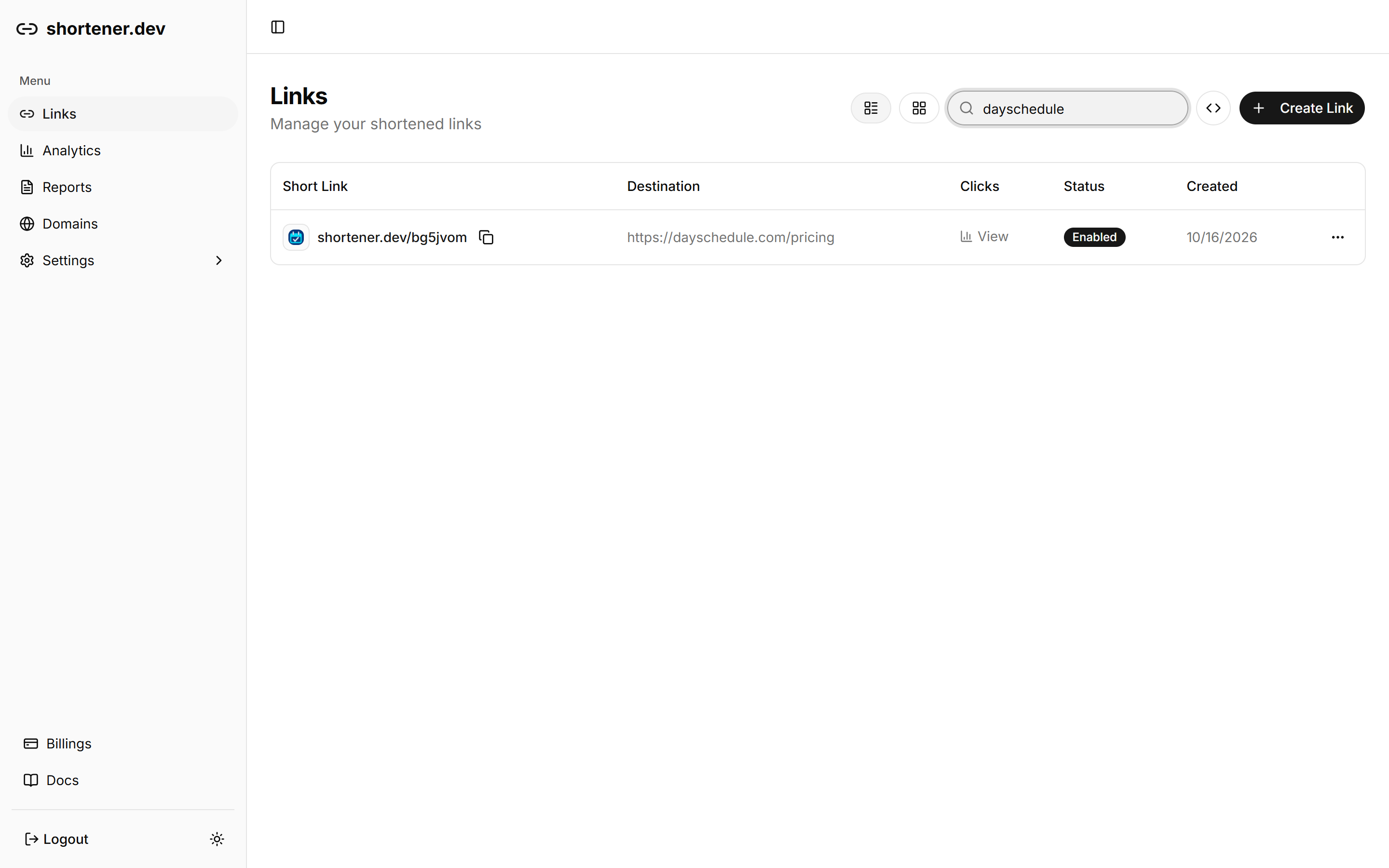
The search term is kept in the page URL as ?q=, so you can bookmark a filtered view or send it to a teammate.
Switch between list and grid view
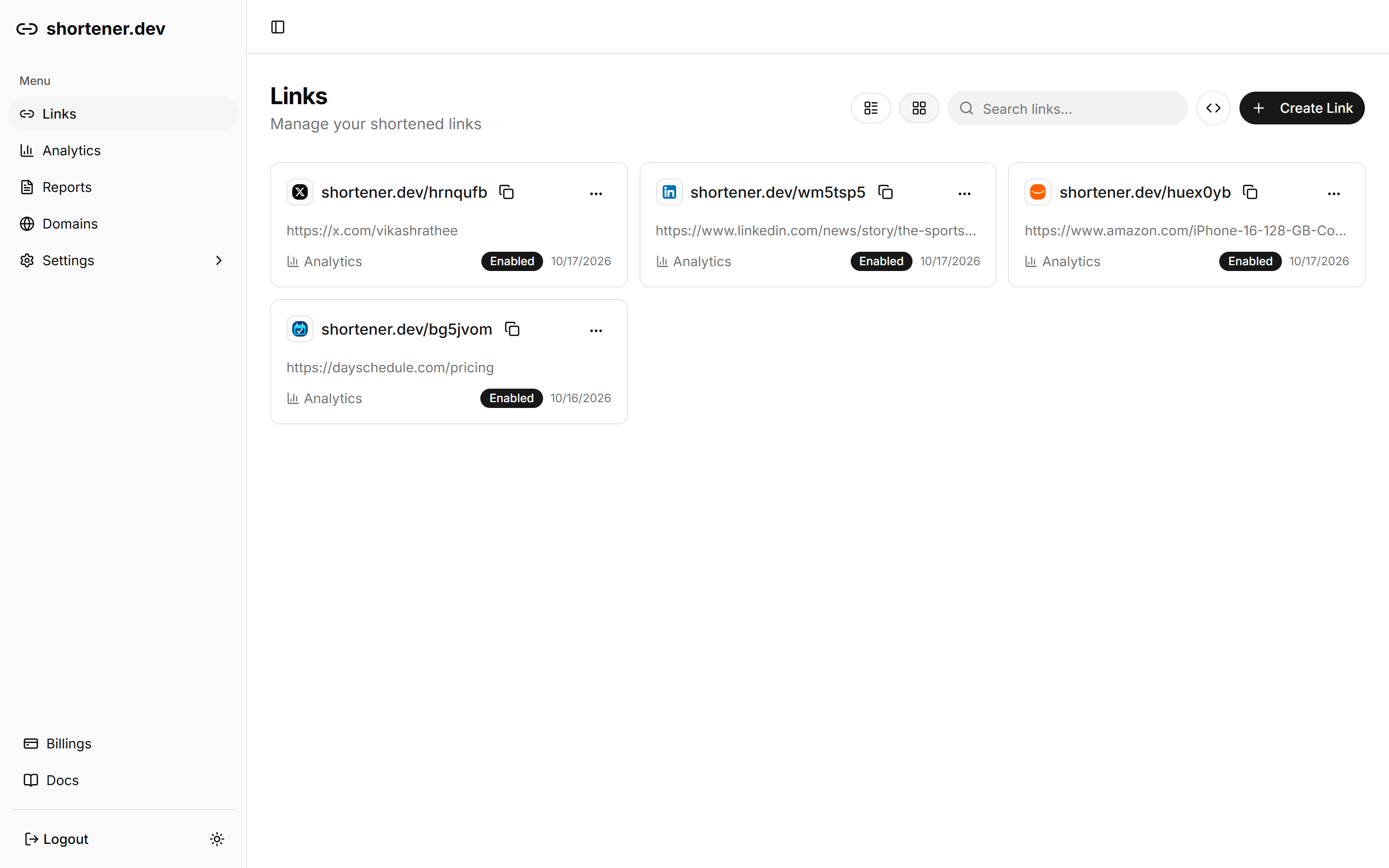
The two buttons next to the search box switch between list view and grid view. Grid view shows each link as a card with its destination, status and a shortcut to Analytics. The dashboard remembers your choice the next time you open Links.
Copy or open a link
Click the copy icon next to a short link to copy the full URL, such as https://srt1.link/spring-sale. You'll see "Link copied to clipboard!"
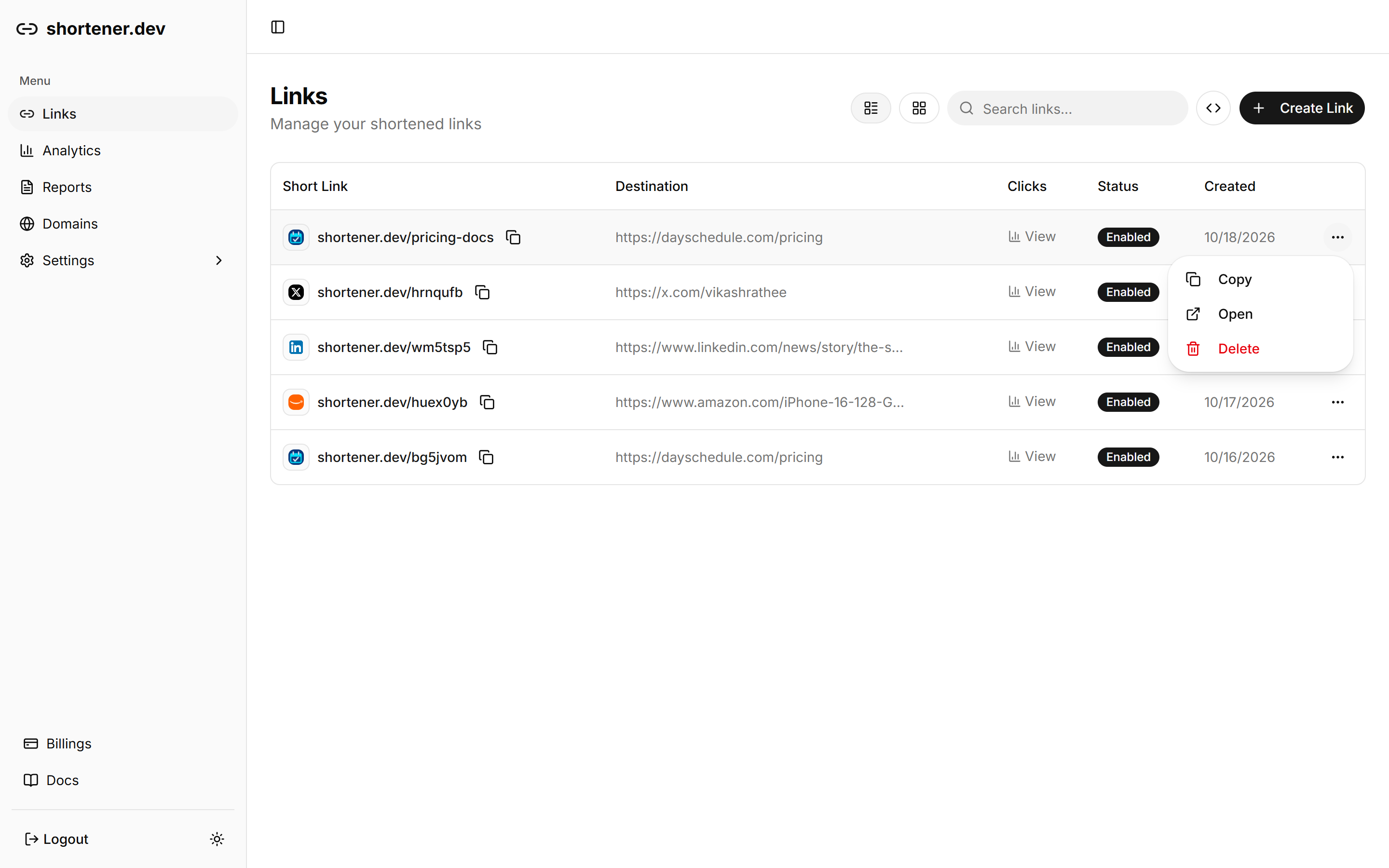
The ... menu at the end of each row has the same Copy action, plus Open, which opens the destination URL in a new tab so you can check where the link goes.
Delete a short link
- Click the ... menu on the link's row.
- Click Delete.
- Check the short link in the confirmation, then click Delete again.
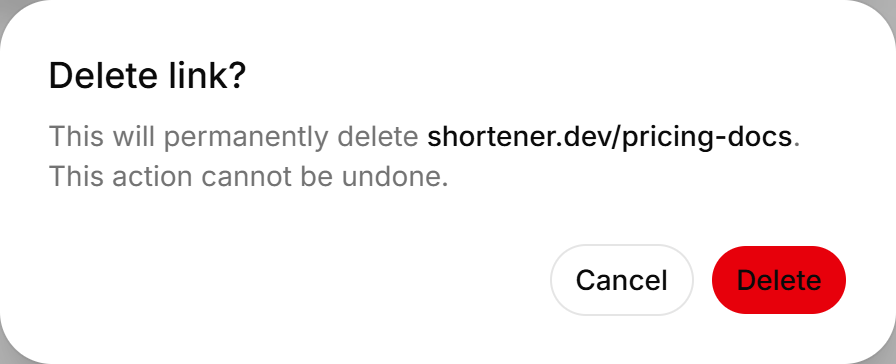
Deleting is permanent and can't be undone. The short link stops redirecting right away, so anyone who clicks it afterwards won't reach your page. If the link is printed or shared widely, consider giving it an expiration date instead, so it keeps working until a planned end date.
Create links in bulk
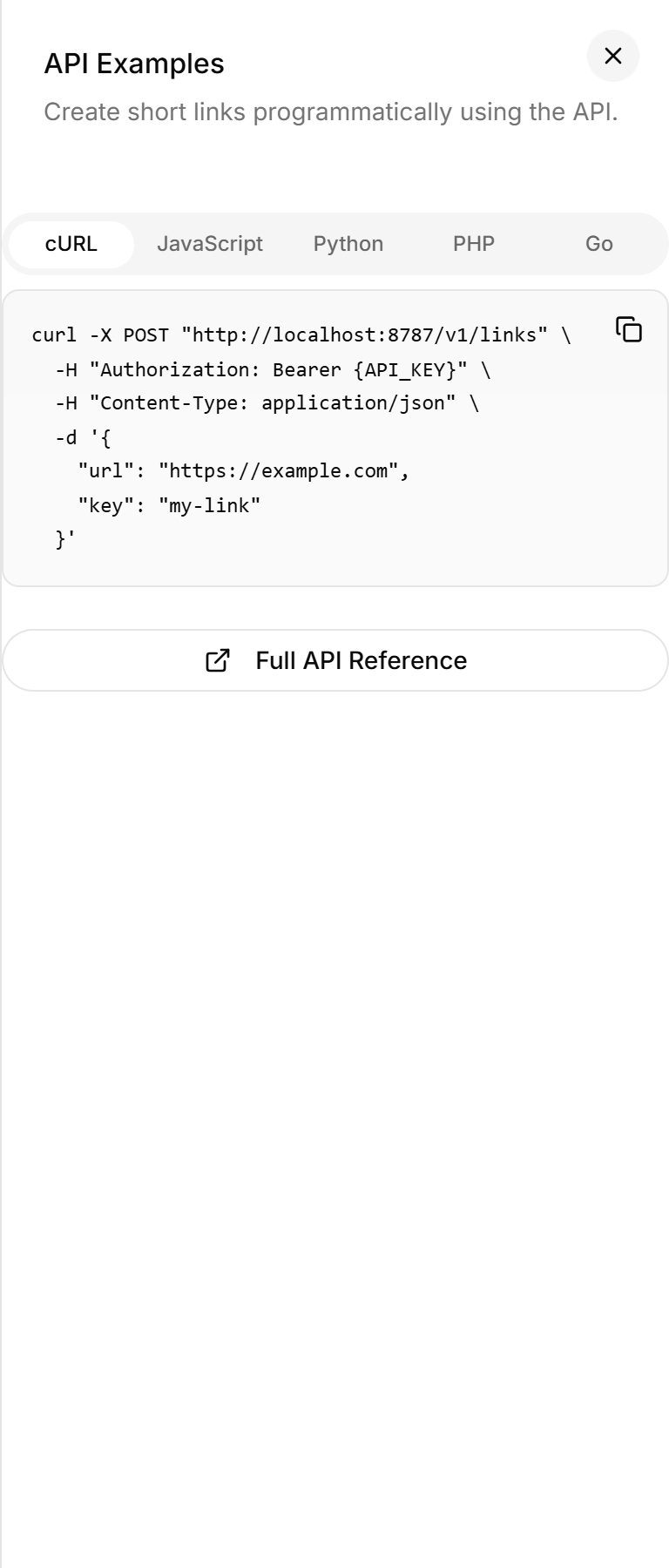
The code icon next to Create Link opens API Examples with ready-made requests in cURL, JavaScript, Python, PHP and Go. To create many links at once, use those examples with an API key. See Shorten URLs with the API.